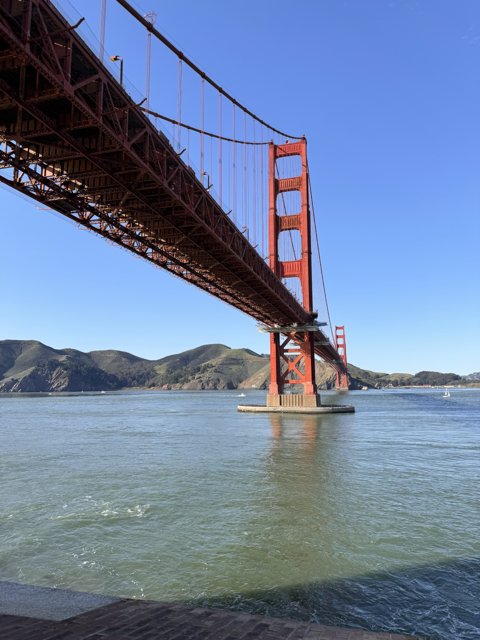
Our forefathers fought for our enduring yet oft threatened freedom for which we celebrate today. Amid the barbecued beef and the glowing fireworks we seldom think about the sacrifices good men made to create this glorious country. Instead of writing a long post today I quote directly from the great Declaration of Independence which put into words the sovereignty of our beloved nation.
When in the Course of human events, it becomes necessary for one people to dissolve the political bands which have connected them with another, and to assume among the powers of the earth, the separate and equal station to which the Laws of Nature and of Nature's God entitle them, a decent respect to the opinions of mankind requires that they should declare the causes which impel them to the separation.
We hold these truths to be self-evident, that all men are created equal, that they are endowed by their Creator with certain unalienable Rights, that among these are Life, Liberty and the pursuit of Happiness.
That to secure these rights, Governments are instituted among Men, deriving their just powers from the consent of the governed, That whenever any Form of Government becomes destructive of these ends, it is the Right of the People to alter or to abolish it, and to institute new Government, laying its foundation on such principles and organizing its powers in such form, as to them shall seem most likely to effect their Safety and Happiness.
Prudence, indeed, will dictate that Governments long established should not be changed for light and transient causes; and accordingly all experience hath shewn, that mankind are more disposed to suffer, while evils are sufferable, than to right themselves by abolishing the forms to which they are accustomed. But when a long train of abuses and usurpations, pursuing invariably the same Object evinces a design to reduce them under absolute Despotism, it is their right, it is their duty, to throw off such Government, and to provide new Guards for their future security.
A series of small fireworks light up the night during an Independence Day celebration in Compton from this file photo I shot in 2006.
Category: California(10)
In the past five months I've lost over 30 pounds. I haven't been doing any strange diet or taking any weight-loss drugs. I am doing it the old fashion way, eating less and moving more. I have employed technology to help me reach my goal.
It's not hard to figure out that if you eat more food than your body can metabolize you will gain weight. The hard part is not eating more than you need. I am using an application called DietController to keep track of my caloric intake.
DietController has a fairly complete database of nutritional information including nearly all fast-food (of which I eat very little), packaged food and basic meal components. After every meal I enter in what I've eaten and it lets me know how much more I can eat and still be within my diet plan.
When you set up DietController, you tell it your height, age, weight and basic activity level. You then set how much you want to weigh by when. I chose 195 pounds by February 2009, which will just take me out of the overweight range. DietController then tells you how many less calories than you daily caloric rate you need to eat every day to reach your goal. For me it is 700 less calories per day.
Along with the eating less part, I have also been exercising almost every day. My sister-in-law recommended the Polar F11 which I picked up from Amazon. The F11 tracks your workout by testing your heart rate before each session. I actually disabled this feature and just set my age, weight and maximum heart-rate which I ascertained after a long sprint. Right now it has me working out six days a week, of which I normally do at least four.
For my workouts I started out walking. This worked well at first, but it started to get hard to get up to my target heart rate. Later I began jogging in place at home. A few weeks ago I started running with my lovely wife. Today I ran four miles and it felt great.
Every morning and night I weigh myself on a digital scale which I enter into DietController (see my night weight vs. diet plan chart below). Of course I always weigh less in the morning, but I like keeping track of both weights. The graph doesn't show the first few months of my diet as I didn't have a scale, but I know I weighed 268 when I went to the doctor in January.
After losing 30 pounds I feel great. I still have over 40 more to go, but it's just a matter of time until I meet my goal. Technology has played a big part in my weight loss, but my biggest backer has been my wife who has supported me every step of the way. Thanks Penelope, you're the best!
A screen-grab of my weight vs. diet plan chart from Diet Controller.
I installed SpamAssassin on my mail server. Previously I had just relied on Mail.app's spam filtering functionality to deal with the hundreds of junk messages I receive daily. Now vpopmail sends every message through SpamAssassin which has been extremely effective in filtering the incoming crap.
Relying on your email application to filter spam works well as long as always keep it running. I take my laptop to work with me so I frequently don't have Mail.app running. This causes spam to pile up and makes it a hassle to check email using my iPhone.
Now SpamAssasin and vpopmail automatically move spam from my Inbox into my Junk folder. When I check my mail on the go I am no longer greeted with a bunch of junk.
My users are also benefitting from the install. They have given me positive feedback on SA's management of their spam. Nobody likes dealing with junk mail so anything that makes the process easier is always welcome.
I have noticed that SA doesn't catch everything and sometimes falsely thinks some good email is spam. I update the rule signatures nightly which helps. Soon I am going to implement a spam/ham folder heuristic update script. This will automatically train SA just by moving incorrectly filtered email into one of two folders.
SpamAssassin is a great addition to my mail toolkit. I am very pleased with the results so far and I am eager to help it do a better job. Thanks SpamAssasin!
Cans of Just Mutton sit ready for the buying on a grocery store shelf in Fiji during my honeymoon in 2006.
Recently I created two templates for Cacti, the open source server resource graphing application. I have been using Cacti for years, but there were a few things that I was not able to find graphing solutions for.
Qmail is an open source, light-weight and secure email server written by Dan Bernstein. I have also been using qmail for years, but until recently I had no way of graphing its traffic. I found this helpful bit of code on Howie's Stuff which helped me get the raw data I needed from qmailmrtg. After I got that working I started out with this template, which mostly worked. I then created a complex graph and exported the template for it which I posted here. The results can be seen in the graph below.
A Cacti/rrdtool graph showing various information about a qmail server that I run.
The next service that I was unable to find a Cacti graphing solution for was djbdns. Djbdns is a lightweight and secure DNS daemon, also written by Dan Bernstein. Jeremey Kister wrote a great script called djbdns-stats for parsing the djbdns logs and presenting data in the perfect format for Cacti to undertand. I took the djbdns-stats output and created an input and graph (below) template for Cacti, which I then shared on the Cacti site.
A Cacti/rrdtool graph showing dns usage on my djbdns server.
I have found Cacti to be an extremely useful application over the years. I am greatly looking forward to the next release which will incorporate the helpful Cactiusers plugin framework.
Recently I have started running again. My wife has always been a strong runner. Her high school college cross-country running team was undefeated and she ran on a scholarship.
I have never been much or a runner due to my weight and lack of fitness. The one exception to that was in high school when I actually started to enjoy running in PE class. Now that I have lost over 30 pounds I am able to enjoy running again.
Last week Penelope and I ran around Not a Cornfield. It felt great. Later in the week we ran from out loft up to the top of bunker hill and the Disney hall. To take a break from running we hiked Chantry Flats on Sunday.
The hike ended up being a fairly challenging six mile loop. The abundance of steep climbs and descents made it a good workout. Now that we're in better shape we powered through the whole hike without stopping.
Someday soon my goal is to run Chantry Flats, now that will be a workout!
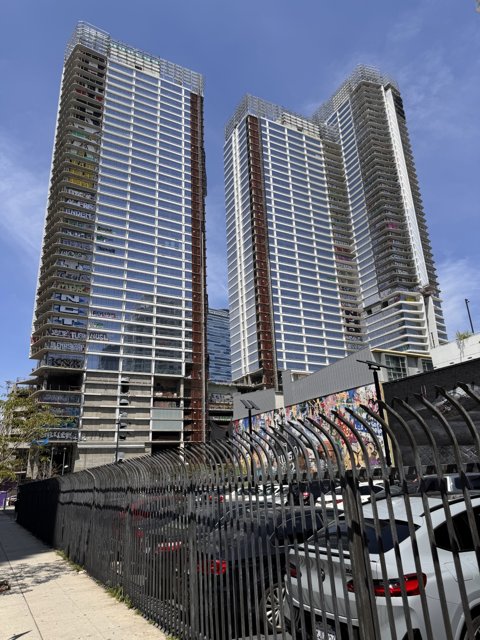
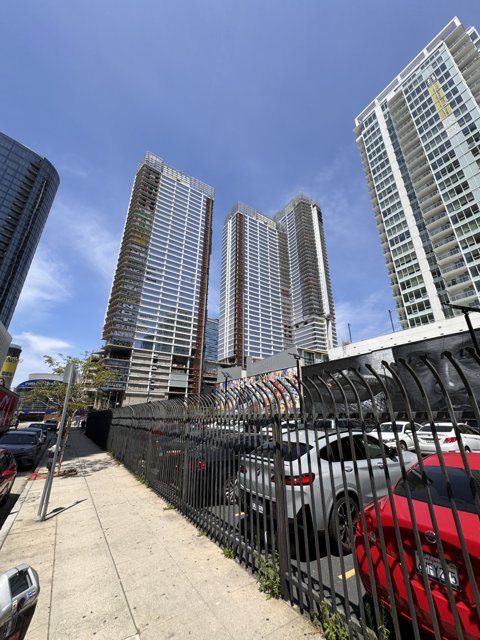
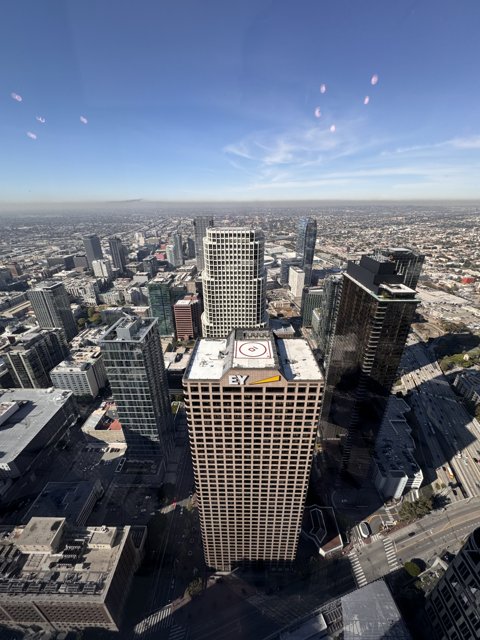
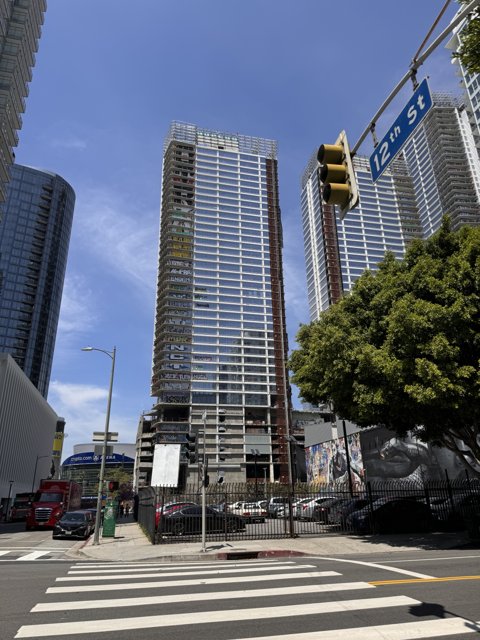
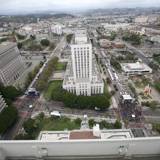
Downtown Los Angeles as seen from a parking lot in an industrial area east of the LA River in this file photo from 2007.
Jott is a free transcription service that makes sending notes and reminders a phone call away. I signed up for their free service and verified my phone number a few months ago. All I have to do is call a toll-free number form my cell and talk. A few minutes later a full transcription of what I said is waiting in my inbox.
It helps to speak slowly and spell out any hard to understand or uncommon words. Jott doesn't use voice recognition software for the transcription, they have people doing the work. Due to that fact I don't use Jott for anything sensitive or secret.
I use Jott almost every day on my drive home from work. Writing while driving is somewhat inconvenient not to mention dangerous. I have Jott in my phone favorites and when I have an idea I just call the number and leave a message.
I also use Jott to message contacts in my address book. When I call in they ask me who I want to Jott. The message ends up being transcribed, then emailed and sms'ed to the contact.
Jott is a service that I have really learned to love. It is one of those rare things in life that are free and awesome. If it becomes a for-pay service I will still use it. Now that's a sign of a good thing.
A sculpture consisting of outdated telephone switch parts adorns the wall of the AT&T building in Downtown Los Angeles in this file photo from 2007. Modern day telephone systems use computers instead of physical switching relays.
Getting Things Done (GTD) literally changed my life 3 years ago. Growing up I had always been highly unorganized. After reading about GTD on the internet I ordered the book by David Allen and instantly started to change the way I worked.
GTD offers a pretty simple theory for organization: Collect every task and action you have in one trusted place. Instead of the dozens of lists I had spread throughout my computer for various projects, I funneled them all into several lists in one place. I collected every little nagging task my head and put them in those same lists.
Having all my actions in one place allowed me to easily keep track and review what I had to do. This simple change completely altered the way that I worked. I am now extremely productive and I love it.
A few weeks ago I reread GTD and implemented a number of things I had not done before. I created an orderly physical filing system for all my important papers. When I first started using GTD I tricked myself into thinking that I did everything on my computer. Once my filing system was setup I saw that was hardly the truth.
After creating my filing system I set up what David Allen calls a tickler file. A tickler file is a series of 43 folders, one for each month and 31 for each possible day of the month. When I have a physical item that requires my future attention I put it into either the month folder that it pertains to or the day if it happens to be in within the next 30 days. Every morning I check my tickler file to see if any paperwork is waiting for me.
Getting Things Done has change my life for the better. There is no way I could have accomplished what I have in the last 3 years without it. Thanks to GTD, I can finally say I truly am organized. Being organized is awesome.
Route 66 stretches out into the desert near Ludlow in this photo I took after a Desert Explorers Rendezvous in 2007.
With fuel prices higher than ever, I've been driving 55 mph on the freeway to improve my gas mileage. For years I have always been one of those speed limit plus ten people. Only recently have I decided to slow down and take it easy.
My FJ Cruiser (below) normally gets around 15 mpg on the highway. I found out that if I keep the rpms below 2,000 my mileage increases to over 20 mpg. On roughly level ground that ends up being 55 mph in sixth gear.
I keep an eye on my gas mileage using my ScanGauge II. It's a handy little device that plugs into the FJ's ODBII port and gives information about everything from intake temperature to battery voltage. The ScanGauge allows to me see exactly how many miles I am getting to the gallon at any given moment as well as the average for the whole tank.
So far driving 55 on the Los Angeles freeways has been fun and cost effective. The funniest thing about driving in the slow lane is that people still tailgate!
My FJ Cruiser near Madrid, during our trip to New Mexico last near.
Category: Los Angeles(199)
I've been spending my free time over the last few weeks working on my new photography website. My good friend Cedrick Osborn did the graphic design. I did the XHTML/CSS and backend programming.
The site is pretty basic feature-wise, but gets the job done. It has about 200 of what I consider my best photos, some of which have never been published.
Take a few minutes and check out my new site: davebullock.com. Let me know what you think in the comments on this post. If you dig my new site, don't forget to tell your friends and blog/twitter about it!
Screen-grab hosted by flickr.
Category: Photography(181)
The Library Tower (AKA the US Bank building) is showing its Lakers pride with a custom lighting job on their crown. I'm sure you know that the Lakers won tonight's game. Go Lakers!
Category: Los Angeles(199)
According to dopiaza's Most Interesting Flickr set manager, these are my top ten most interesting photos on flickr:
Category: Photography(181)
I've been a Vonage subscribe for over 5 years now and I've been very happy with their internet based telephone system. Basically if you get Vonage you don't need a phone line, just an internet connection. When you sign up they send you a little box you plug in to your network to which you connect any standard telephone. Once you plug everything in you get nation-wide long distance for free for about $25 a month or you can get a 500 minute plan for $15 a month.
You can transfer your existing telephone number to it or get a new one. It's just like your normal phone service, but has some other cool features like the ability to simultaneously ring your cell phone and your home. You can also get a soft phone that you can use on your laptop from anywhere that has internet access. Right now they are offering 2 month of free service for both you and me if you sign up [click here to do so].
Category: Technology(96)
UCLA scientists are working hard to fight cancer and their latest creations could target tumors directly. I toured the labs making these new nanomachines called nanoimpellers and took photos for Wired. You can check out the photos along with a brief intro I wrote by clicking here or on the photo below:
Screen-grab hosted by flickr.
On Sunday I shot some photos of the grand opening of Mister Cartoon's new shop in my building: The Last Laugh / Upper Playground. I just posted the photos over on blogdowntown:
Photo hosted by flickr. Click here to see Upper Playground / Last Laugh Opening gallery.
I no longer have a catch-all email address. For years the email (qmail) server that I run was set up to receive anything @eecue.com. So if you sent an email to asdflakhjflakjsf@eecue.com or dave_is_a_mean_person@eecue.com I would receive it. This was helpful as it allowed me to create addresses for every site that I submitted my information to, such as target@eecue.com, amazon@eecue.com, etc. That way if those companies sold my address to a list I would know they were responsible for the spam.
This seemed like a good idea until I started getting dictionary Joe Jobbed a few years ago. A Joe Job is when someone sends emails from your account to discredit you. In my case it was just a spam bot sending spams from random addresses @eecue.com. I don't think it was an attack on me, I just have a short domain name that has a catch-all address.
The joe-jobbing caused me to receive thousands of bounce messages. Today I finally decided to turn off the catch-all functionality in my email server. First I dug through my archived mail to find any important addresses that I still needed to receive mail at. I added aliases for the ones that would be hard to change. Any address that was easy to change I just logged into the site it corresponded to and changed it to my main address.
After getting rid of the catch-alls I set up a Sender Policy Framework (SPF) record on my DNS server. SPF is a record on a name server that tells mail servers which IP addresses are allowed to send email for that domain. Luckily I only ever send email from my personal mail server so that was easy to fix.

These changes should greatly reduce the amount of spam and joe-job bounces I receive.